

Ask the agent
Describe the trade in plain words. The agent shows the order and its risk before it runs, and it trades only inside your limits.
Meet the agent

A wallet with a trading agent built in. You keep the keys; it trades inside limits you set.

A wallet with a trading agent built in. You keep the keys; it trades inside limits you set. Buy Bitcoin, stocks and gold, or type a trade and watch it check your limits first.


From the wallet, the web app, or your own agent through MCP tools and the API. Every route uses the same permission, so the limits are the same everywhere.
Connect an agentChoose how much the agent may use, which assets, how much leverage and for how long. Funds stay in your wallet, and one tap turns the agent off.
How the wallet worksSize, leverage, concentration, price age and funding are read from your account at that moment. An order that breaks a limit is stopped. Closing a position is never blocked.
See every checkSubmission and fill show up as separate entries in your activity, each with its time, so you can always see what the agent did and when.
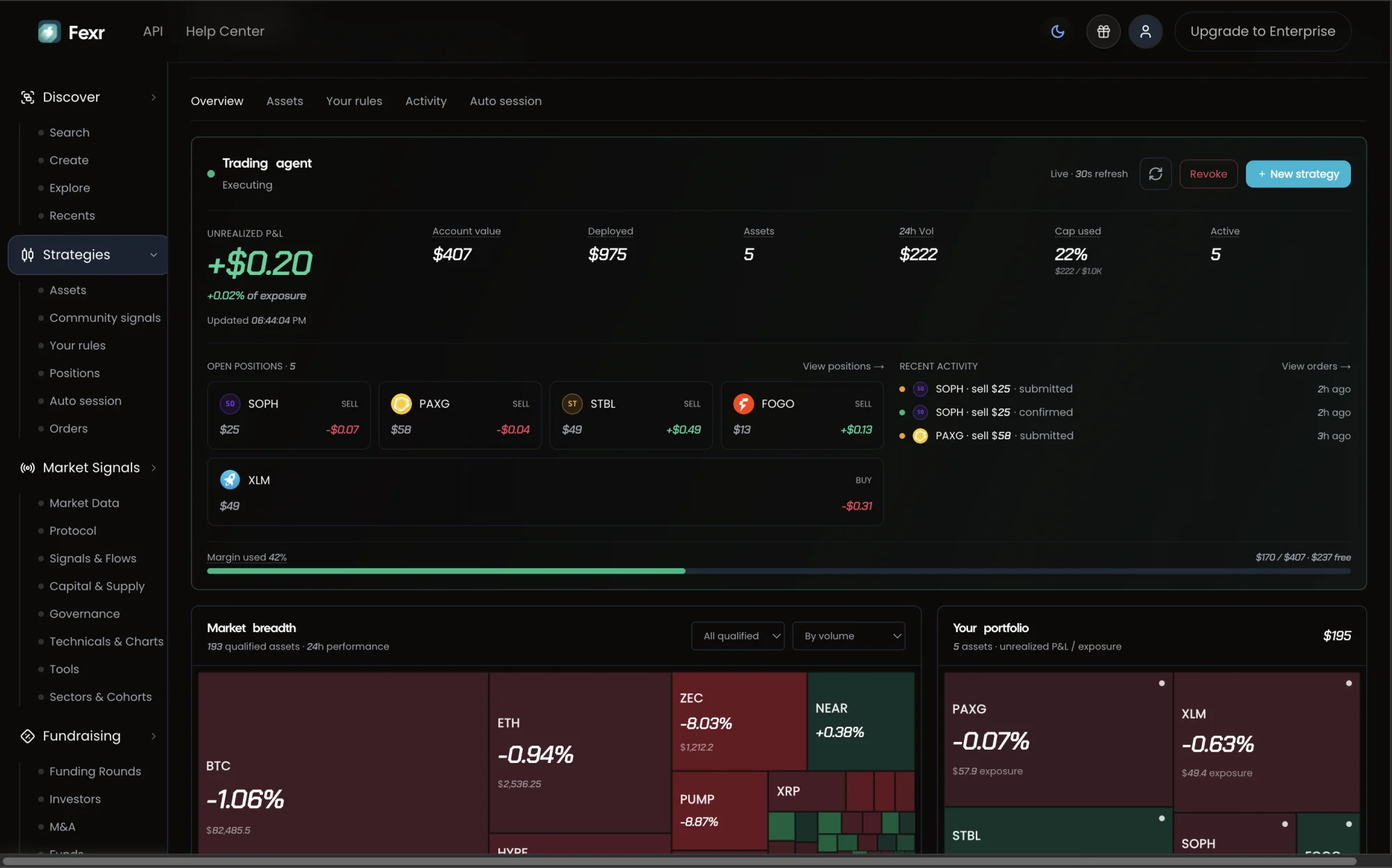
Markets you can tradeThe trading agent in the Fexr web app: how much of its budget it has used, what it has done, and the control that ends the permission.
Describe the trade in plain words. The agent shows the order and its risk before it runs, and it trades only inside your limits.
Meet the agentDCA, stops, grid bots and signal strategies, each listed with the backtest it was ranked on. Build your own or start from a shared one; it runs under your own limits.
Browse strategies
Price, protocol, flow and governance data for any asset, with the source and age shown on every number.
Explore market signals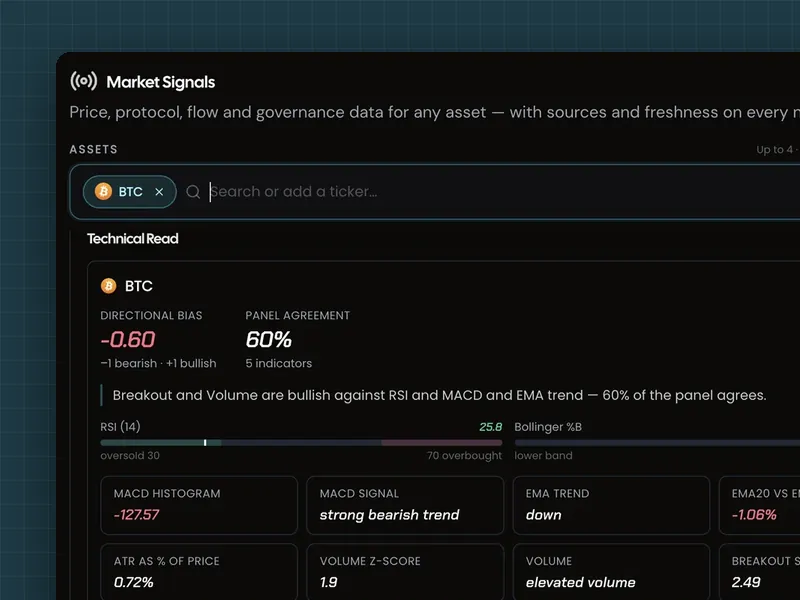
One workspace with SSO, roles, a separate identity for each agent, the REST API, webhooks and a signed record of every automated action.
Explore Fexr Desk
Audit replay is a timeline of everything an agent on your desk did: the signal it read, the checks it passed, the order it placed and the fill. Move to any moment and see it the way the agent saw it.
Illustrative replay.

Each reading carries the time it was measured. A signal can inform an order, but it can’t change the limits that order runs under.
Vaults for group money, market making for token projects, team roles and an API, all without handing over keys.
A shared wallet your group runs by vote. You decide how many approvals a payment needs.
Explore VaultsLicensed software that quotes both sides of your token's market. Fexr never holds the keys.
SSO, roles and a separate identity for each agent, so every action is signed and attributable.
From your first authenticated request to a verified webhook, step by step.
You do. Fexr never holds your money. Your wallet approves a trading key that can place and cancel orders but can’t withdraw, and you set how much it can trade each day. How the wallet works
The Fexr Wallet app on iOS or Android. Fund your Fexr wallet from any chain, set a daily limit, and you can place your first order. Start as a trader
Yes, inside the limits you set. That is what the limits are for. When you ask the agent in chat, it shows the order before it runs. How the checks work
Traders publish strategy templates with the backtest each one was ranked on. Your copy runs under your own limits; you copy the playbook, not somebody else’s account. Browse strategies
Fexr is the wallet, the keys, the limits and the agent around your order. Swaps are routed across 13 bridges and DEXs.
Execution venue: perps fill on Hyperliquid today, from your own trading account. How Fexr executes
Fexr Free includes the wallet, trading, swaps and strategies. Plus adds signals, Copilot answers and insight reports for individuals. Desk adds a shared workspace, SSO, agent identity, the REST API and webhooks for organizations. Compare plans and limits
From a share of trading and swap fees, and from paid Plus and Desk plans. Insight add-ons on Free can also be bought one call at a time over x402. See pricing
Fexr cannot take your funds, and every order is checked against your limits first. Trading still carries market risk, so only trade what you can afford to lose. How the checks work
Get Fexr Wallet, add USDC on Arbitrum, and choose what your agent may trade. It can place its first order in minutes.
Or open the web app