

Careful with every signature. Fluent in 100+ chains.
Most wallets sign whatever they are handed. Fexr checks first: a look-alike address, an unlimited approval or a counterfeit token is stopped before you sign. And every transaction, on every chain, is signed by Trust Wallet Core, the open-source engine behind one of the most widely used wallets in the world.
It reads the address before you do
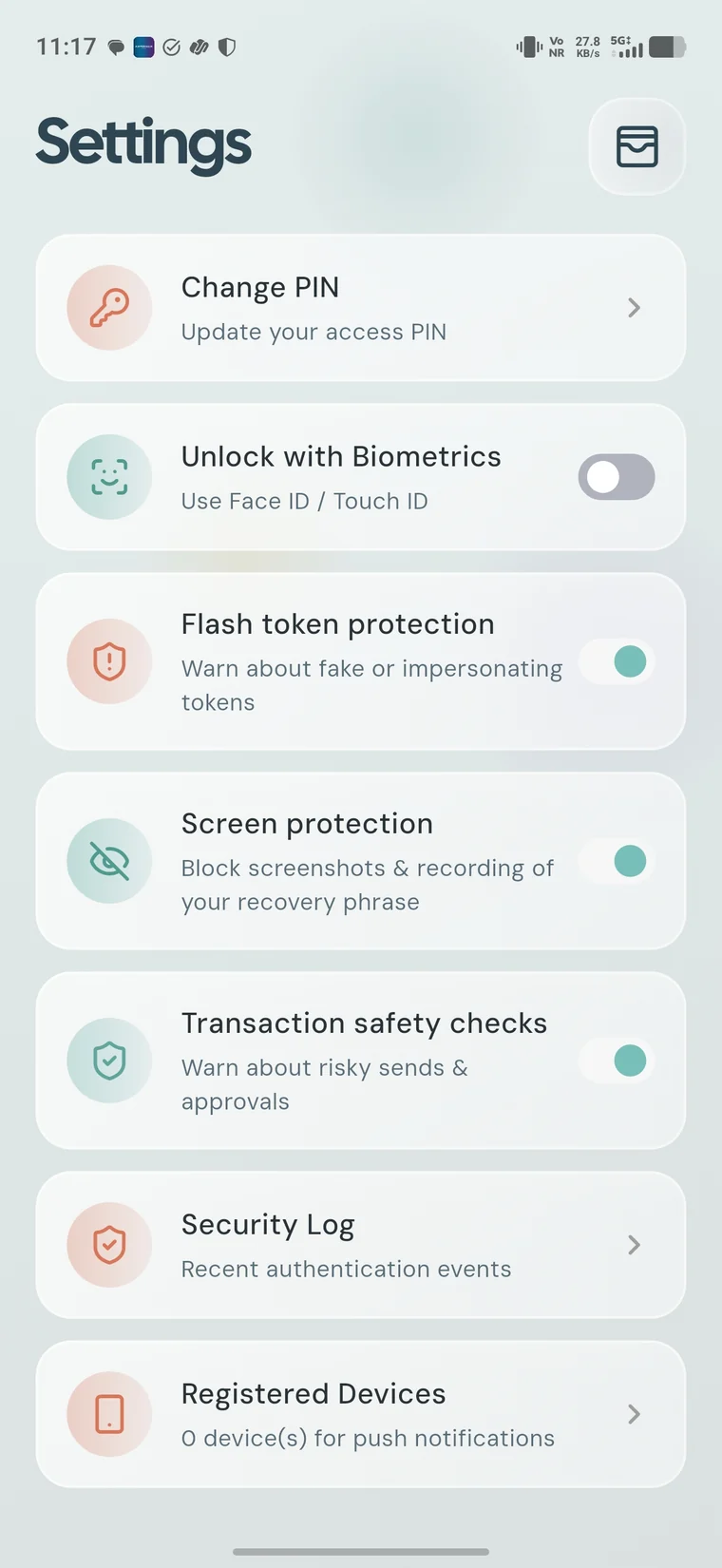
Six checks run on every send and every WalletConnect request. An address that is one swap away from a contact you trust, an unlimited token approval, or sending a token to its own contract is blocked. A new recipient or a hijacked clipboard gets a warning. All of it runs on the phone.
- Address-poisoning look-alikes
- Unlimited and blanket approvals
- Tokens sent to their own contract
- Clipboard swapped after paste
- First payment to a new address
- Recognised contacts, by name
Looks like a past address, but it is not. Sending stays blocked until you confirm every character.
Counterfeit tokens do not get a row
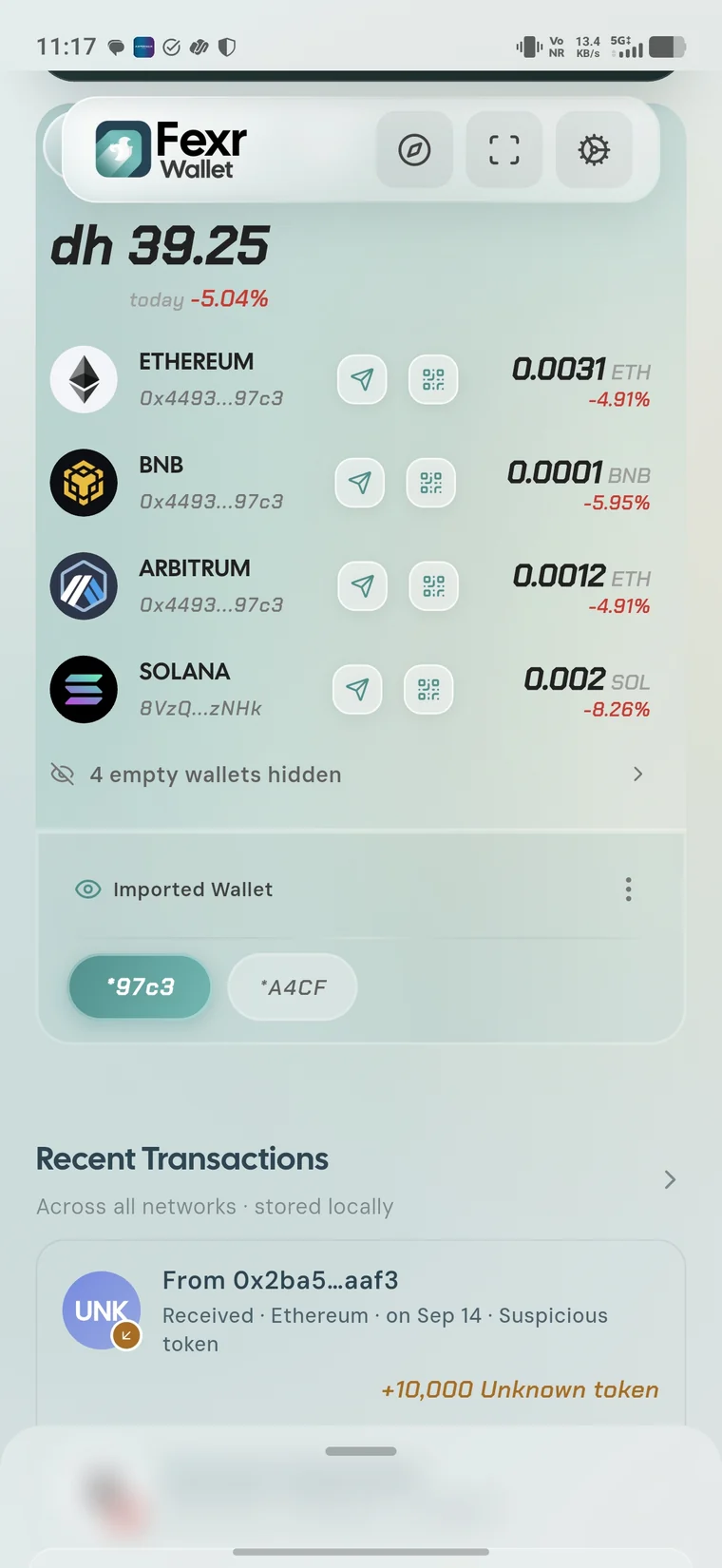
Anyone can airdrop you a token called USDC that is not USDC. Fexr grades every token before drawing it, with no network call, so the check works offline and cannot fail open. Impersonators are collapsed out of the list; look-alike characters and claim-bait names get a badge. Your own Trust or Hide always wins.
100+ networks from a single recovery phrase
One phrase covers them all; you never keep a wallet per chain. 88 EVM networks, from Ethereum, Base and Arbitrum to Monad, Sonic and Berachain, plus nine Cosmos SDK chains (Cosmos Hub, Osmosis, Celestia, Neutron, dYdX, Provenance, Terra, Terra Classic and ZIGChain), four Bitcoin-style chains (Bitcoin, Litecoin, Dogecoin and Zcash), Solana, Tron and NEAR. Popular chains are ready the moment you create a wallet; the rest appear when you search for them and tap Add.
Signed by Trust Wallet Core, in the open
Fexr does not write its own cryptography for each chain. Every transaction, on every network, is signed on your phone by Trust Wallet Core: the open-source library at the heart of Trust Wallet, maintained in public by a full-time team and used in production by millions. One engine, reviewed by many eyes, instead of a different home-made signer per chain.
We compile it ourselves from that exact commit for Android and iOS, check every artifact against its recorded checksum, and test each chain's transactions against the same release before they ship.
Every signature passes three gates
Biometrics on each signature, an operating-system lock on the key itself, and a session bound to your phone's secure element. Defeating one is not enough.
A token copied off the phone is useless: replaying it needs a signature from a secure element that never leaves the device.
A permission with a ceiling and an expiry
Trading is the one thing the wallet delegates, and narrowly. A separate agent key gets a dollar spending cap and an expiry. It can open and close positions inside that cap and nothing else: withdrawals only ever return to your own address. One tap revokes it.
Your history does not run through our servers
Balances and transaction history come straight from public explorers and each network's own RPC. They keep working whether or not our API does, and Fexr does not receive or store a personal transaction-history database.
Read from the networks
The wallet reads public sources directly. Fexr servers do not receive or store this history.
New chains arrive without an app update
The list of networks and their endpoints lives on our servers, so a chain that launches tonight can be in your search tomorrow. Your phone still checks every new network's endpoint against the chain it claims to be before using it, and the address of a chain you already hold can never change underneath you.
Honest about every family
Every supported network can receive and shows a balance, and 100 of them can send today. The four EVM networks that only receive for now are Filecoin, Hedera, Pharos and Telos.
Against the wallets you are actually choosing between
| Capability | Fexr | Typical self-custody wallet | Exchange app |
|---|---|---|---|
| You hold the keys | |||
| Address-poisoning check that blocks | |||
| Offline counterfeit-token filter | |||
| Session bound to the device | |||
| 100+ networks from one phrase | |||
| Open-source signing engine | |||
| History without vendor servers | |||
| Key derived from a FIDO2 security key |
Your key can live on a security key, and nowhere else
Tap a FIDO2 security key such as a YubiKey and your wallet appears; unplug it and nothing is left on the phone. The key's PRF output becomes 32 bytes of entropy through HKDF-SHA256, then a 24-word phrase, then every chain key. Each step is wiped from memory as soon as it is used, and nothing is ever written to disk.
No security key? Keys sit in the iOS Secure Enclave or Android StrongBox instead, behind biometrics, and every other protection on this page still applies.
How the key is derived
Put your Fexr wallet to work
Your self-custody wallet is the base. These are the individual products that trade on top of it.
The questions that actually get asked
Why Trust Wallet Core instead of your own signer?
Signing code is where a wallet must not be creative. A single open-source engine, used in production at scale and reviewed in public, is safer than a separate home-made signer for every chain.
Does Trust Wallet see my keys or transactions?
No. Trust Wallet Core is a library compiled into the app. It runs entirely on your phone and talks to no one; it does not connect to Trust Wallet's servers.
Which chains can I send on today?
Every network except four EVM chains that only receive for now (Filecoin, Hedera, Pharos and Telos): 84 EVM networks, the nine Cosmos SDK chains, Bitcoin, Litecoin, Dogecoin, Zcash, Solana, Tron and NEAR.
Are there fees?
The app is free. Each network charges its own gas, and any trading builder fee is shown on the permission before you grant it.
Do I need a security key?
No. Without one you get a standard 24-word wallet with keys held in your phone's secure element, and every other protection still applies.
What if I lose the security key?
Back up the recovery phrase when you set up. It restores the same addresses on any device, with or without the key.
Get the wallet
Free on both stores, set up in a couple of minutes, with or without a security key.
- Trading Agent — plain English in, confirmed orders out
- Copy Strategies — leaderboards and templates with backtests
- Market Signals — pay-per-query intelligence from $0.50